How about adding one more small craft class called fighter that would be somewhat more forgiving basic craft
runs away from developer mob
anyways my feedback:
Tested a bit the new version.
I really liked that big land base. Nice details. You really have to come close to appreciate the scale of the thing.
Perhaps some tiny moving bee crafts would help sell the scale in the future.
Or more shaking when moving at mach 3.
New NPC crafts make the game way more alive when there are no players.
Erm …do i suck so badly ? … or are they really that good ?  (played only with joystick and throttle, didn’t tried mouse yet)
Game usually runs smooth up until i get closer (several Km) to some bigger structure. Game then stops for a few seconds, like if its loading textures.
Is it the reason for the way faster initial loading times ? … i think long loading at the beginning will be better solution in the future. Its an issue only at present, since we lack proper settings menu in game.
Btw thank you to whoever though about us non-widescreeners with hud elements scaling 
issues i encountered
Controls.:
Anyone know of some list of possible parameters which can be set in the control settings in profiles .xml files? It would made our life lot easier. For instance are there any other parameters how the axis behaves ? Example :
Type = “Axis”
plus all the possible input events… i would really love to set things like warp on a button.
I ask because Throttle axis need some other way to be set, currently it controls rate of change…it is hard to explain for me It is messed up.
speaking of throttle…
Throttle bar visual
Lines on throttle bar… look like recommended warp speed setting for current place in space and the other has to be max safe air speed, good for beginners i like that.
… would be nice though, if they were visible even when throttle setting is higher above them. They get obstructed by the throttle setting bar itself. Perhaps adding bit of alpha channel into a color of the throttle setting bar. (transparency)
The head-look
I would love to see a way to separate cockpit head looking axis from axis of ship control.
That would seem to be one and only step needed for head tracking to work and we are golden 
I tried writing different axises - mouse, joystick, anything into the .xml file, but it works only in default mode with ship control axis while button is pressed. 
…i blame gamepads 
please don’t simplify it to a point that it wont be possible to use anything bit more complicated.
Sure making it accessible for all is great idea, but intentionally limiting the advanced control settings for the same reason is not.
Radial menu …don’t know about the design when you couple it with all the switches in cockpit …seems out of place… perhaps on one of the MFD monitors ?
Another thing is they aren’t exactly self explanatory… perhaps some category name written over the cells that belong to same category ?
It would be perfect on Hat switches ? Anyone figured out how to set it up ? It too seems locked to mouse only.
Warp seem strange … and the weird throttle axis functionality with hotas makes it even stranger. 
engine sounds not changing while in warp like before don’t help either.
I was more fond of previous functionality alá I-War 2. (the one with almost instantaneous reaction to input). Perhaps mix between the two.
Flight model in atmosphere - did anything change ? I tried various planets. Banking and pulling seem to have no effect whatsoever compared to just yawing.
I guess there is bit of drag in the atmo and craft generally don’t like to turn as fast, but it seems way too weak. It lack that fluid dynamics feel from the first version.
In “slow” speed around 50 m/s sure why not make it nimble vtol.
But above 150m/s (540Km/h) it just feels wrong. Anything flies, even stones, given enough speed.
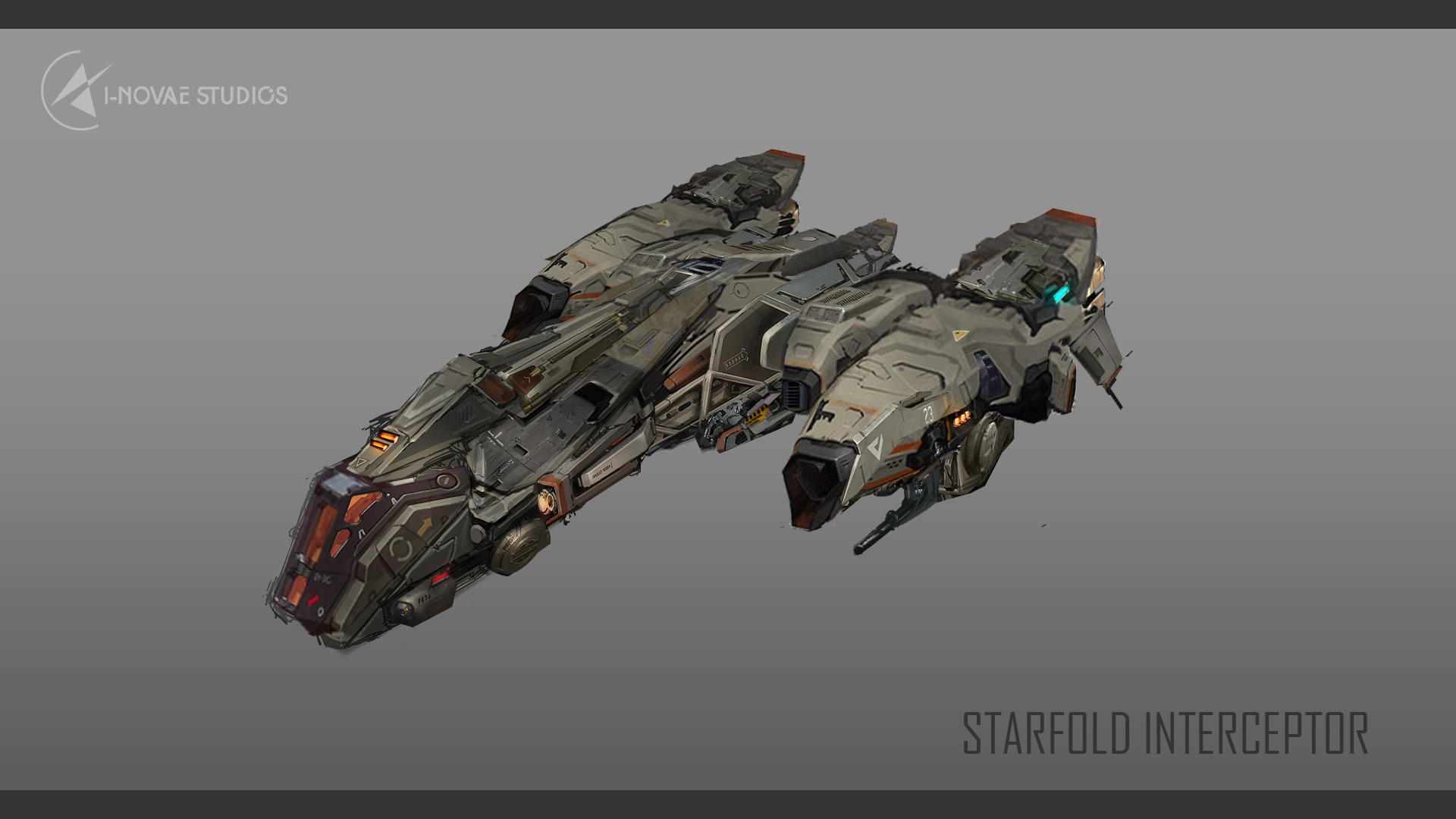
also how do i turn on the massage in the interceptor ? 

